Samples and templates
Start from a template to make a whole app of your own, or read a sample to see one part of VpnHood at work. Each is a repository on GitHub, built on VpnHood's NuGet packages.
Templates
| Template | What it is |
|---|---|
| VpnHood.App.Template | Your own VPN app on VpnHood, for Android (Google Play and your website), iOS and the Apple TV (App Store), Windows and Linux. Everything VpnHood comes from NuGet: this repository holds only your app. Build your VPN app makes it yours. |
Samples
Small apps that show VpnHood at work, each built on VpnHood's NuGet packages alone, as an app of yours would be: VPN clients that write more or less of the app themselves, and a VPN server of your own. The clients connect to VpnHood's test server, which ends each session after a few minutes. Each sample's folder has a README with what it needs, how to run it and which file to read first.
Which one to read
| You want to | Read |
|---|---|
| Put the VPN into a Windows program or service of your own, with no UI | CoreSample.WinConsole |
| Add the VPN to an Android app of your own, without MAUI | CoreSample.AndroidForm |
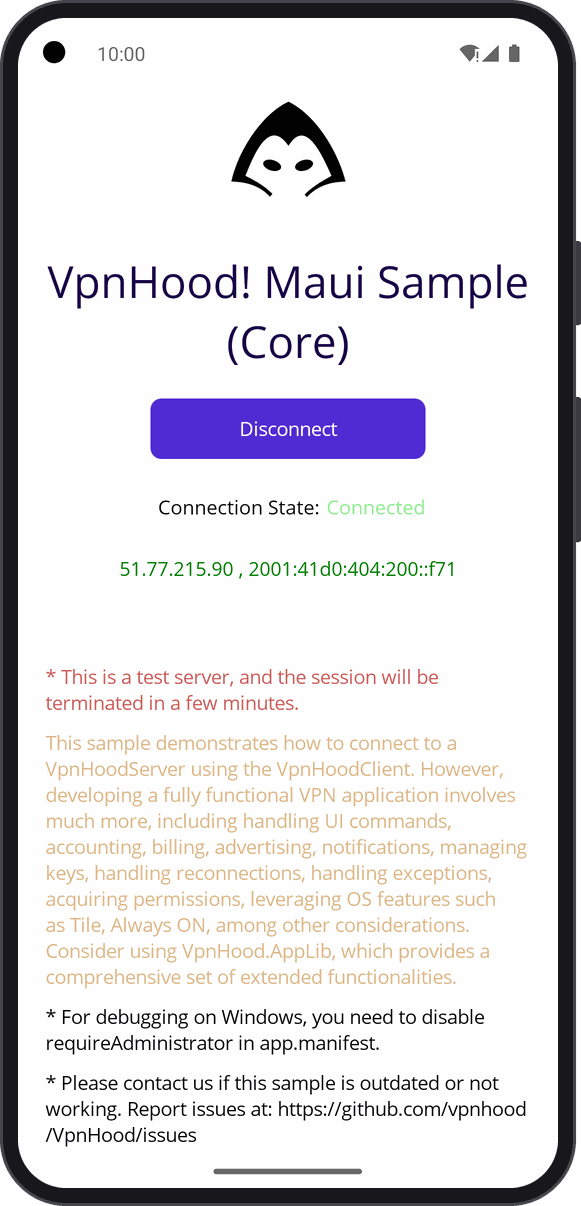
| Add the VPN to a MAUI app, on Android and Windows | CoreSample.MauiForm |
| Have a complete VPN app under screens of your own | AppLibSample.MauiForm |
| Run a VPN server from a .NET program of your own | CoreSample.Server |
| Have the whole app, VpnHood's own screens too | Not a sample: start from VpnHood.App.Template |
The VPN engine alone
You write the app around the engine: its screens, and everything a VPN app does beyond connecting, such as keeping access keys and reconnecting. The guide: Use the VPN engine in your own app.
- CoreSample.WinConsole:
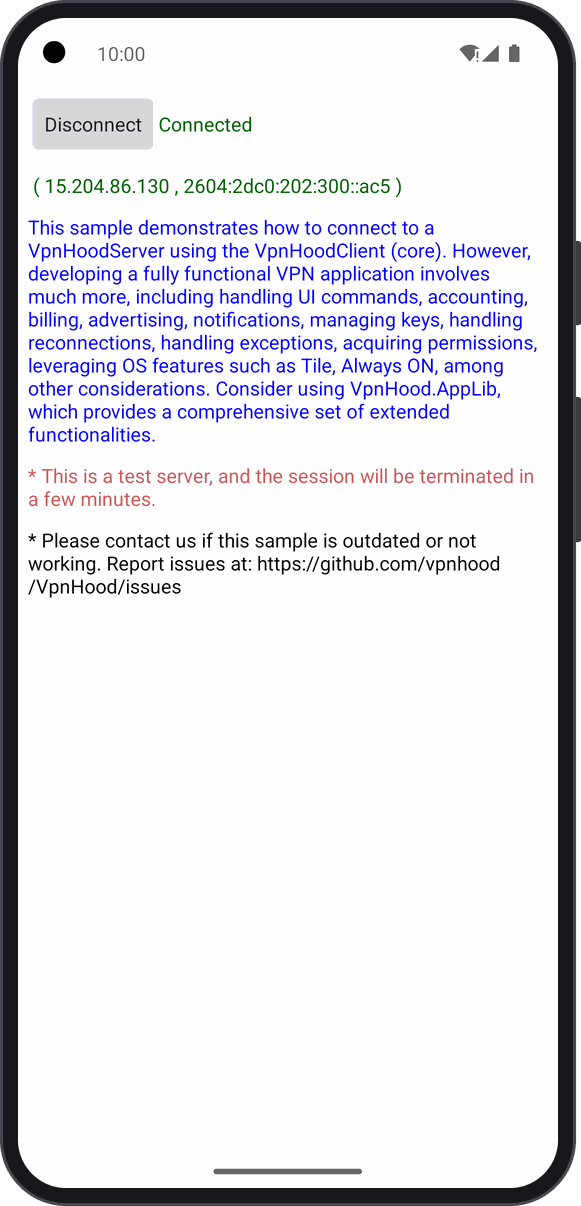
VpnHoodClientover a WinTun adapter, in a console on Windows, with no UI. Run it as an administrator. - CoreSample.AndroidForm: in a plain Android activity, through the VPN service
(
VpnServiceManager), with the connection's state and the public IP on one page. - CoreSample.MauiForm: the same in a MAUI app, on Android and Windows, each platform giving the engine its device.
The app's logic, under your own screens
The app is ready, with reconnection, access keys, split tunneling and notifications, and only its screens are yours. The guide: Your own screens over the app's logic.
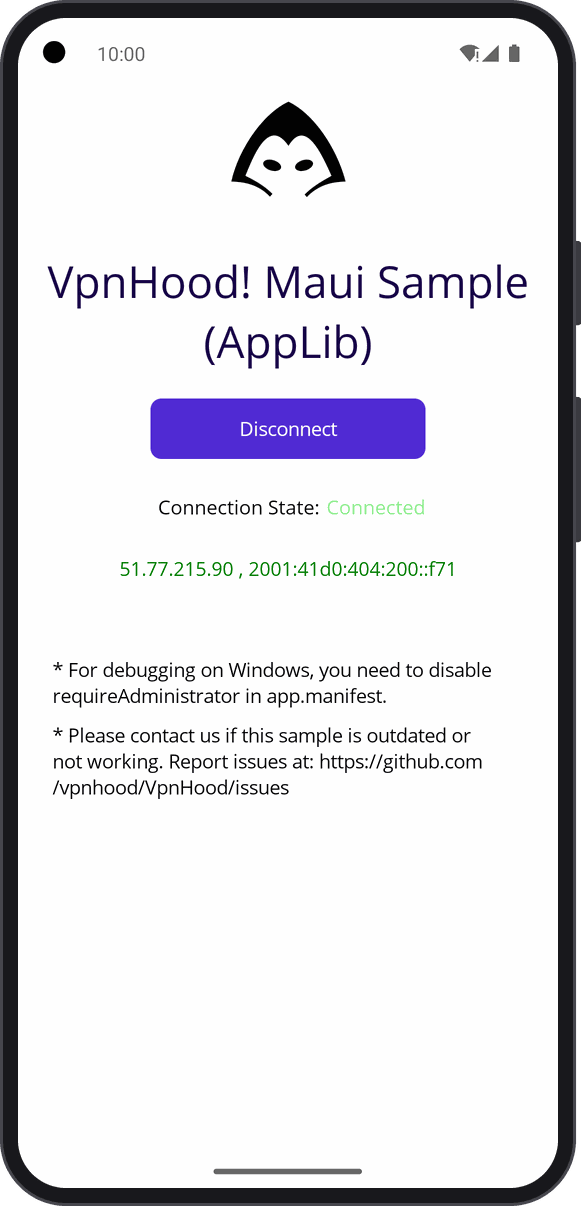
- AppLibSample.MauiForm: a MAUI page of its own over the app
(
VpnHood.AppUi.Hosting.Maui), which talks to it through the app's API, the calls every VpnHood UI makes.
A server of your own
The guide: Run a VPN server from your own code.
- CoreSample.Server:
VpnHoodServerin a console app, its access keys kept in files: it prints one and serves clients until Ctrl+C. With--tun, it serves through the platform's TUN adapter.
Run them
Clone this repository and open VpnHood.App.Samples.slnx in Visual Studio, or run a sample with dotnet run in its
folder. They need the .NET SDK the projects target, and its workloads for the platforms they run on: android and
maui-android for Android, maui-windows for MAUI on Windows.
The samples build against the VpnHood packages whose version Directory.Build.props pins. A local version
(-localN) comes from a .packages folder beside that file, which git ignores; a clean clone restores only a
published one.
A sample that is out of date or does not work: tell us at VpnHood's issues.