AppLibSample.MauiForm
AppLibSample.MauiForm on GitHub
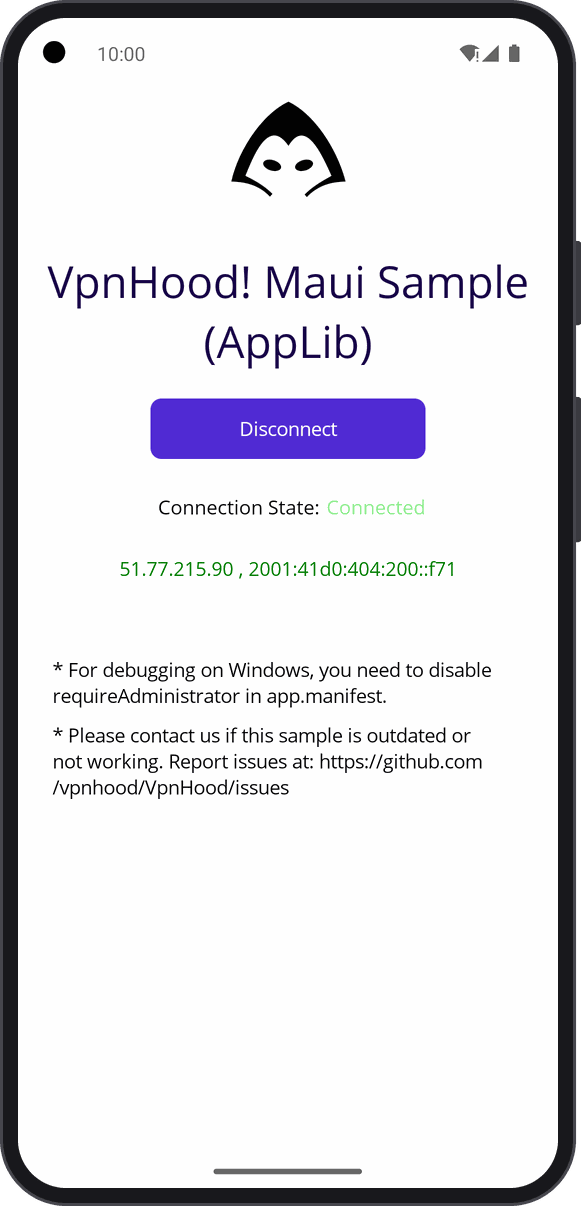
The whole VpnHood app, its logic without its UI, under a MAUI page of your own: VpnHood.AppUi.Hosting.Maui runs the
app in the same process, and the page talks to it through the app's API, the calls every VpnHood UI makes. The app
brings what a VPN app needs beyond the engine: reconnection, access keys, split tunneling, notifications, and ads and
billing when you set them up.
Who it is for: you want a complete VPN app under screens of your own, without writing what a VPN app does beyond connecting.
What you need
- An Android phone or emulator, or Windows.
- The .NET SDK the project targets, with the
maui-androidworkload, andmaui-windowsfor Windows. - On Windows, administrator rights, which Platforms/Windows/app.manifest asks for.
Run it
Open the project in Visual Studio and run it on an Android emulator or device, or on Windows Machine. The first Connect on Android asks to show notifications, then brings Android's connection request: OK lets the app make a VPN.
Read first
- MauiProgram.cs:
CreateInitParams, who the app is and its options, with the test server's access key (ClientOptions.SampleAccessKey), whichVpnHoodAppMaui.Initstarts. - MainPage.xaml.cs: the page reads the app's state through
VpnHoodAppMaui.Instance.Apionce a second, and connects and disconnects through it.
For a complete app with VpnHood's own UI, start from VpnHood.App.Template.